 ATV-STORE
How ATV Store Works
ATV Store turns app distribution into three steps: you build a private catalog, you get a 6-digit PIN, and your users install your apps on Android TV and Fire Stick in one click — no Play Store, no ADB, no friction.
Three steps, start to finish
Create an account
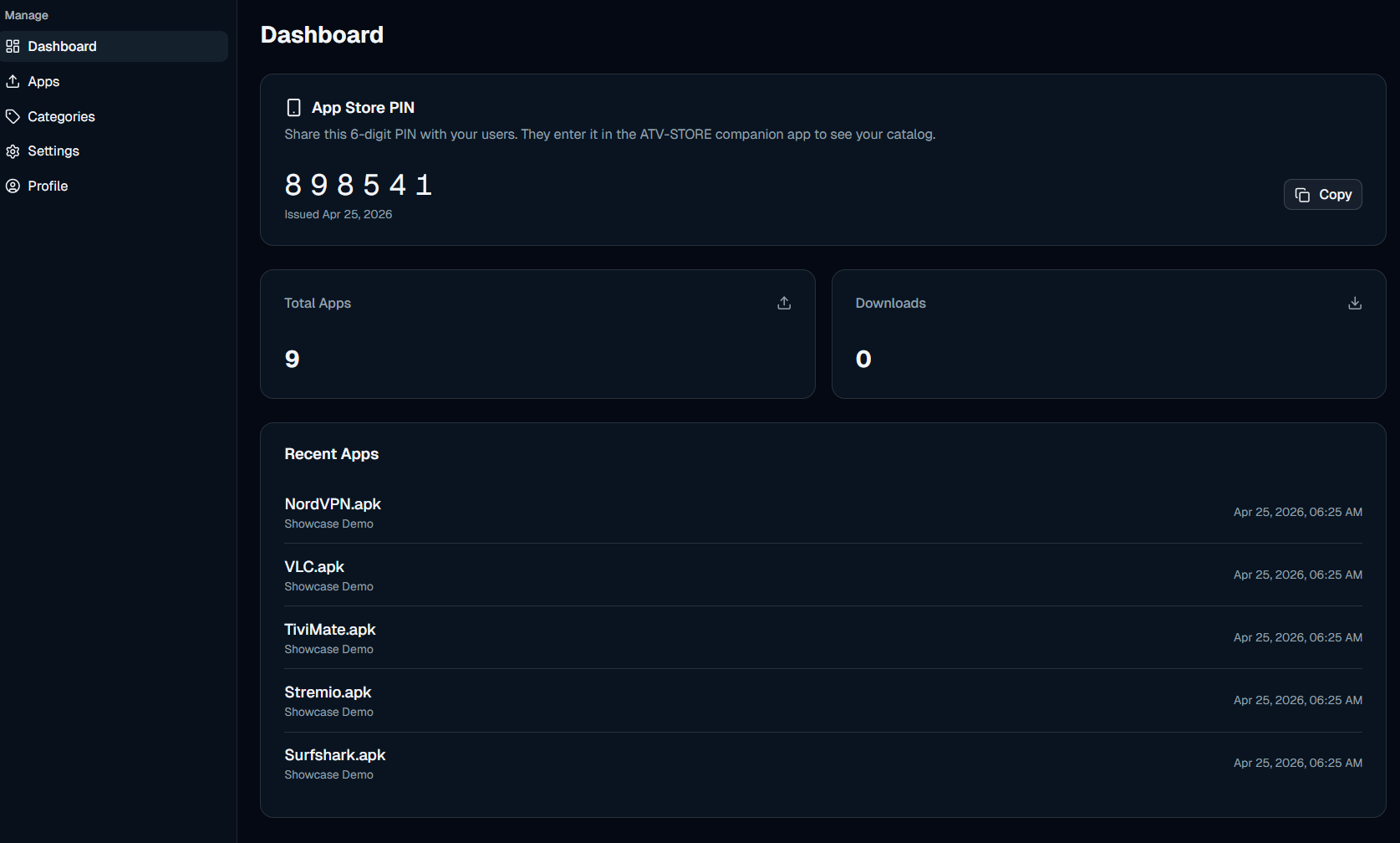
Sign up in seconds and your workspace is ready immediately — you'll get a 6-digit PIN that becomes the key to your private catalog on Android TV and Fire Stick.
Register your APKs
Point each app at the URL where you host the binary. We never store your APK — we just pass the download URL to the companion app.
Your users install
They open the ATV Store companion app, type the PIN, and your catalog appears. One-click install on Fire TV Stick, Fire TV Cube, NVIDIA Shield, or any Android TV box. Done.
What you get
- Custom categories. Organize your catalog into the categories that fit your audience — not ours.
- Auto updates. Apps stay current automatically. Push a new build and every device picks it up.
- One-click install. Your users tap once on the remote — no ADB, no manual sideloading.
- Update alerts. Notify users the moment a new build drops so nobody is stuck on a stale version.
- REST API. Automate the whole thing through
/api/v1with API-key auth.
The companion app experience
Enter the PIN
Users type your 6-digit PIN once — their private door into your catalog.
Browse the catalog
Apps appear in a clean grid, organized into the categories you defined.
Install in one click
Open an app's detail page and install with a single press of the remote.
What you control vs. what we handle
ATV Store is intentionally thin: you keep the apps and the access, we move the bytes.
Your apps & access
- The APK binaries, hosted wherever you choose
- Your catalog, categories, and what's listed
- Your 6-digit PIN — rotate or revoke any time
- When and what to publish or pull down
Delivery & updates
- The companion app that installs on every device
- Serving your catalog behind the PIN
- Update detection and alerts
- The REST API for automation
How It Works FAQ
Do you host the APK files?
No. We store your app metadata and the URL you point us at; you keep full control of the binaries and where they're hosted.
What is the 6-digit PIN for?
It's the access key to your private catalog. Users enter it once in the companion app; you can rotate it any time and the old one stops working immediately.
How do my users install apps?
They install the ATV Store companion app, enter your PIN, pick an app, and press the remote once. The APK installs directly — no ADB or computer.
Can I automate publishing?
Yes — the REST API at /api/v1 lets you add, update, and remove apps straight from your CI/CD pipeline.
Related pages
Start distributing in minutes
Create your catalog, get your PIN, and hand it out today.