 ATV-STORE
Fire Stick App Store
A private app store for Fire TV Stick and Fire TV Cube. Skip the Amazon Appstore and Downloader codes — share a 6-digit PIN and your users install your apps in one click, no computer required.
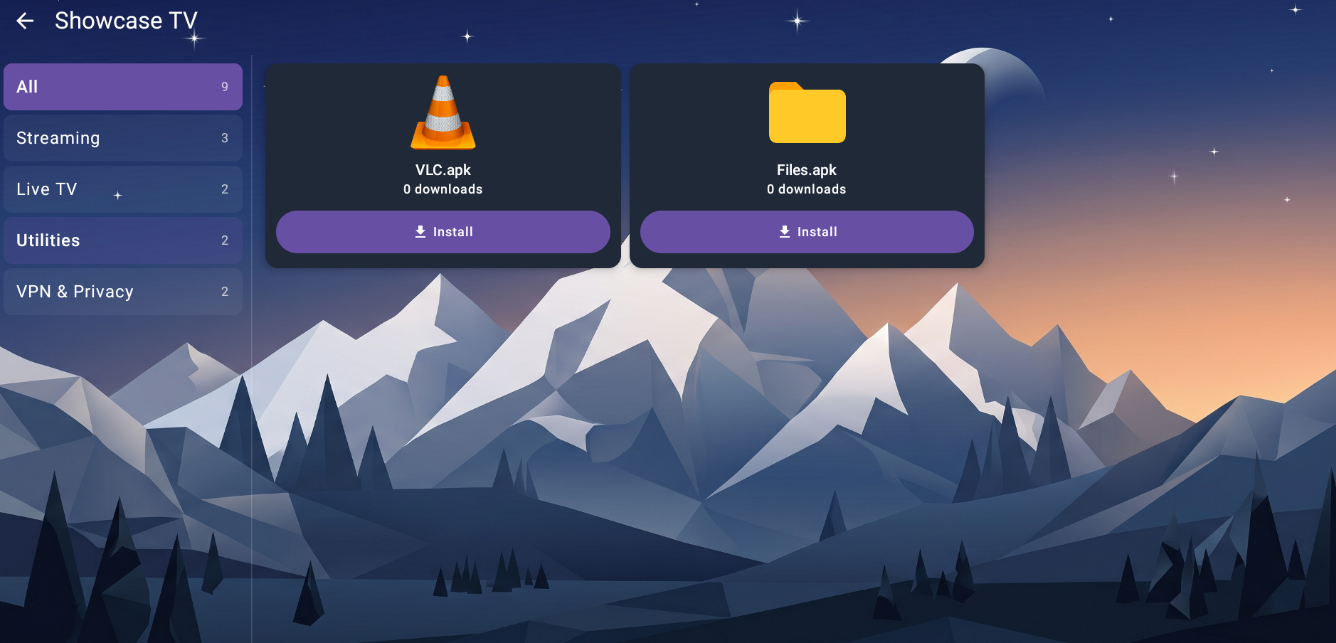
Built for the Fire TV remote
- No Amazon Appstore. Distribute apps Amazon doesn't list — no review, no public page.
- No computer, no ADB. Your users never touch a developer setting or a USB cable.
- One-tap install. Pick an app, press the remote once, it installs on the Fire Stick.
- 6-digit PIN access. Only people you give the PIN to can see your catalog.
- Auto updates & alerts. Push a new build and every Fire Stick picks it up — with a notification.
Compatible Fire TV & Android TV devices
- Fire TV Stick
- Fire TV Stick 4K / 4K Max
- Fire TV Cube
- NVIDIA Shield
- Google TV
- Android TV boxes (7.0+)
How it works
Create an account
Sign up and get a 6-digit PIN — the key to your private Fire Stick catalog.
Register your APKs
Point each app at the URL where you host the binary. We never store the APK itself.
Users install on Fire TV
They open the ATV Store app on the Fire Stick, type the PIN, and install in one click.
Why not just use the Amazon Appstore?
The Amazon Appstore lists only a fraction of what runs on Fire OS — and getting on it means submission, review, and a public page. ATV Store skips all of that.
Limited & gated
- Small catalog vs. the full Android ecosystem
- Submission, review, and approval per build
- Public listing — anyone can find it
- Updates wait on Amazon's pipeline
Open & private
- Distribute any APK you have the right to share
- No submission — point at a URL and you're live
- Private to PIN holders, no public page
- Push updates to every Fire Stick instantly
Fire Stick App Store FAQ
How do I install apps on a Fire Stick without a computer?
Install the ATV Store companion app on your Fire TV, enter your 6-digit PIN, and pick an app from the catalog. It installs in one click — no PC, no ADB, no Downloader codes.
Do I need the Amazon Appstore?
No. ATV Store distributes apps outside the Amazon Appstore. There's no review and no public listing — your catalog is private to PIN holders.
Does it work on the Fire TV Cube and 4K Max?
Yes. ATV Store works on Fire TV Stick, Fire TV Stick 4K and 4K Max, and the Fire TV Cube, along with other Android TV devices.
Do you host my APK files?
No — we store metadata and the URL you provide. Your binaries stay on your own hosting and the Fire Stick downloads them directly.
Related pages
Launch your Fire Stick app store today
Create a private catalog and hand out your first PIN in minutes.