 ATV-STORE
Fire Stick Sideloading
Forget juggling Downloader codes, "Apps from Unknown Sources", and a laptop. With ATV Store you sideload apps on a Fire TV Stick or Fire TV Cube by entering a 6-digit PIN and installing in one click.
Sideload on Fire TV in seconds
- No Downloader codes. No typing long URLs with the remote — your catalog is already there.
- No computer or ADB. Everything happens on the Fire Stick itself.
- One-click install. Pick an app, press OK, the APK installs.
- 6-digit PIN. Unlock your private catalog once; rotate the PIN whenever you like.
- Stays updated. New builds roll out automatically with optional alerts.
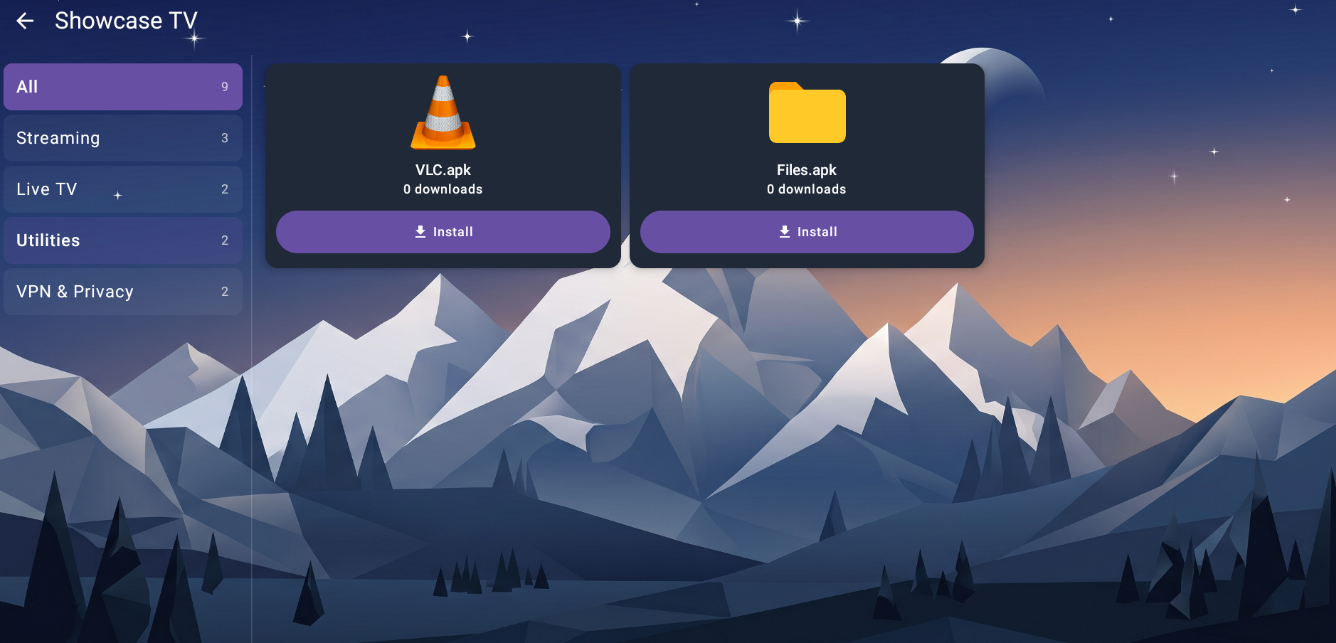
Works on every Fire TV model
- Fire TV Stick
- Fire TV Stick 4K / 4K Max
- Fire TV Cube
- Fire TV smart TVs
- Other Android TV devices
Not on Fire TV? See Android TV sideloading →
How Fire Stick sideloading works
Install the companion app
Put the ATV Store app on your Fire Stick — the only manual step.
Enter your PIN
Open it, type your 6-digit PIN, and your private catalog loads.
Install in one click
Select an app and press OK. The APK installs on the Fire Stick — done.
No Downloader codes. No jailbreak myths.
"Jailbreaking a Fire Stick" is really just sideloading apps Amazon doesn't list — and you don't need cryptic Downloader codes to do it.
Codes & typing
- Install Downloader and enable unknown sources
- Type long numeric codes or full URLs with the remote
- Track down the right APK for each app
- Do it again by hand for every update
One PIN, your catalog
- No codes — your apps are already in the catalog
- Enter a 6-digit PIN once
- One-click install, no URL typing
- Updates roll out automatically
"Jailbreak" here just means sideloading legitimate apps — it does not modify Fire OS, and ATV Store is only for apps you have the right to distribute.
Fire Stick Sideloading FAQ
How do I sideload apps on a Fire Stick without a computer?
Install the ATV Store companion app on your Fire TV, enter your 6-digit PIN, and choose an app. It installs in one click — no computer, no ADB, no Downloader codes.
Do I still need the Downloader app or unknown-sources URLs?
No. Your apps live in the catalog tied to your PIN, so there are no long URLs to type and no Downloader codes to manage.
Which Fire TV devices are supported?
Fire TV Stick, Fire TV Stick 4K and 4K Max, Fire TV Cube, and Fire TV-powered smart TVs, plus other Android TV devices.
Where do the apps come from?
From the catalog tied to your PIN. ATV Store stores each app's hosted URL — not the binary — and the Fire Stick downloads it directly.
Related pages
Sideload on your Fire Stick the easy way
Get a PIN and install your first app in one click — no computer needed.